GPT Image 2.5 · Flare and Sunburst · live since September 8, 2026
Generate images with GPT Image 2.5
Both new OpenAI image models in one place, with real outputs, real timings, and the per-image cost worked out.
10 free images on sign-up · no card
From the prompt library
All prompts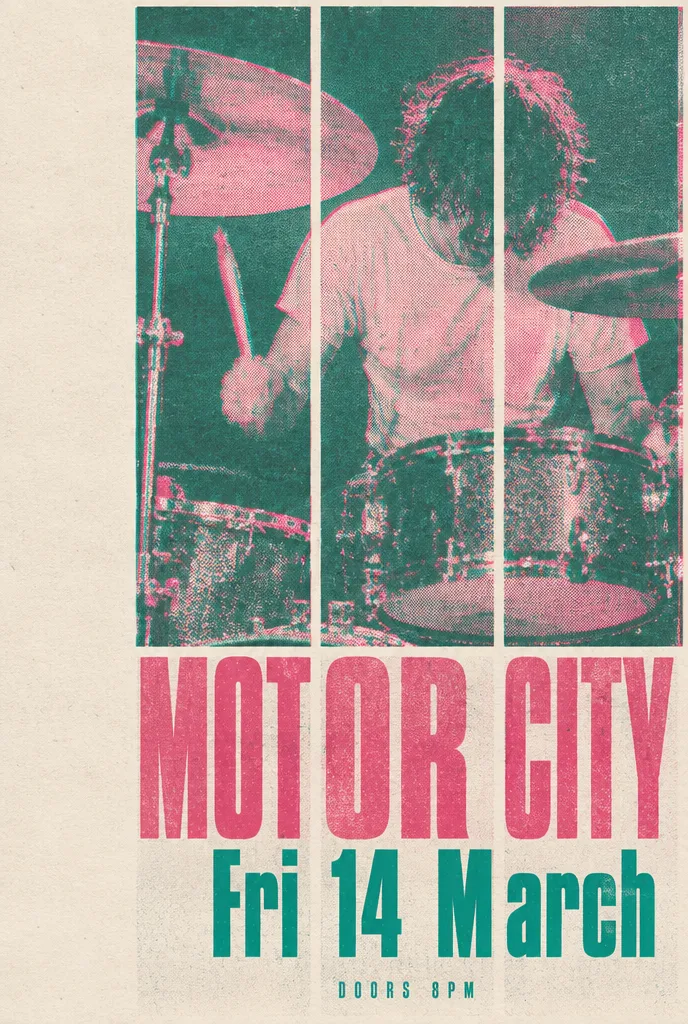
Two colour risograph gig poster
sunburst · high · 26s
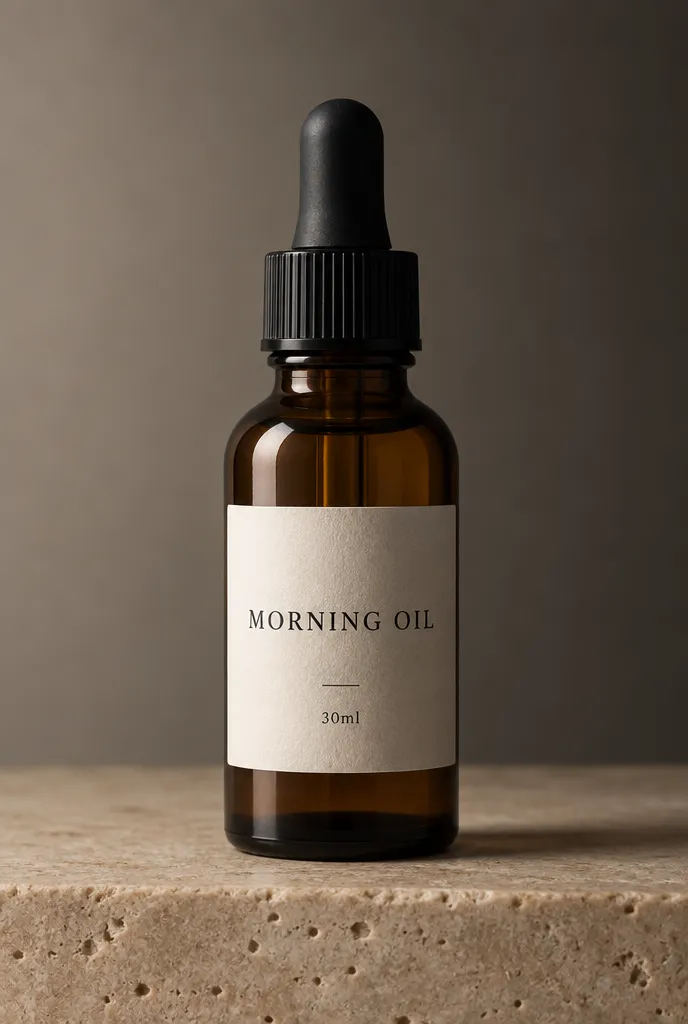
Amber serum dropper bottle
sunburst · high · 34s
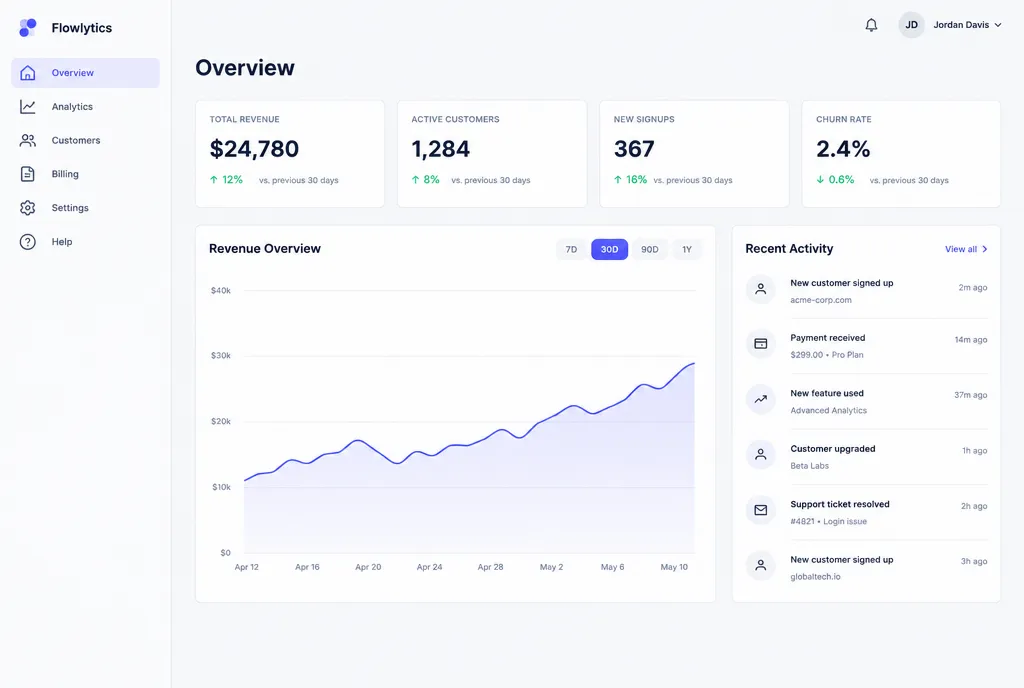
Analytics dashboard on desktop
flare · xhigh · 31s
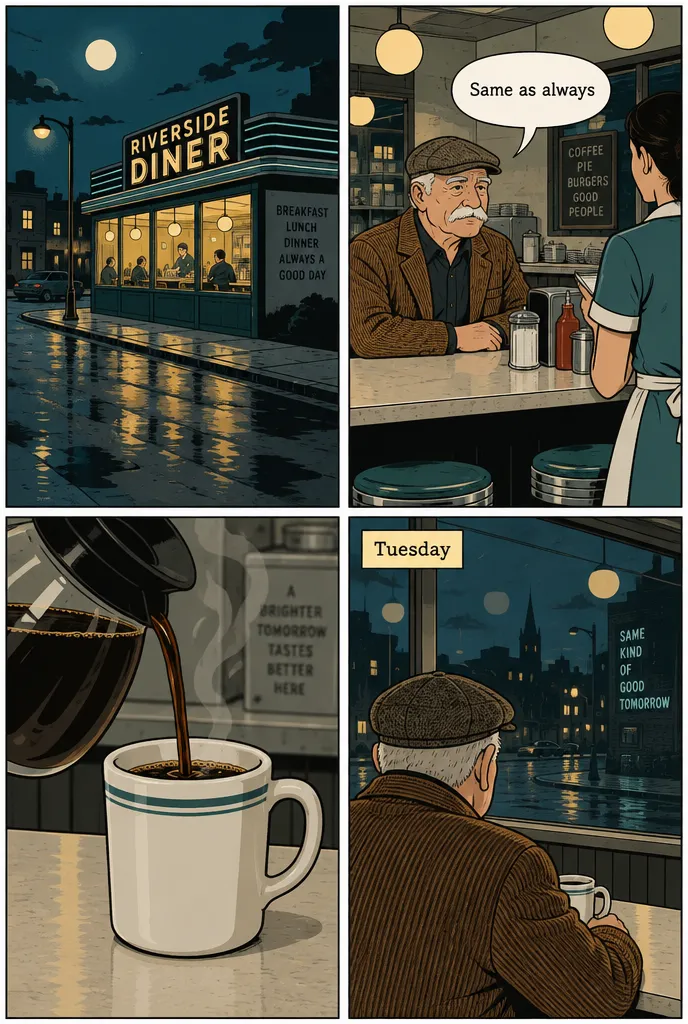
Four panel diner strip
sunburst · high · 29s
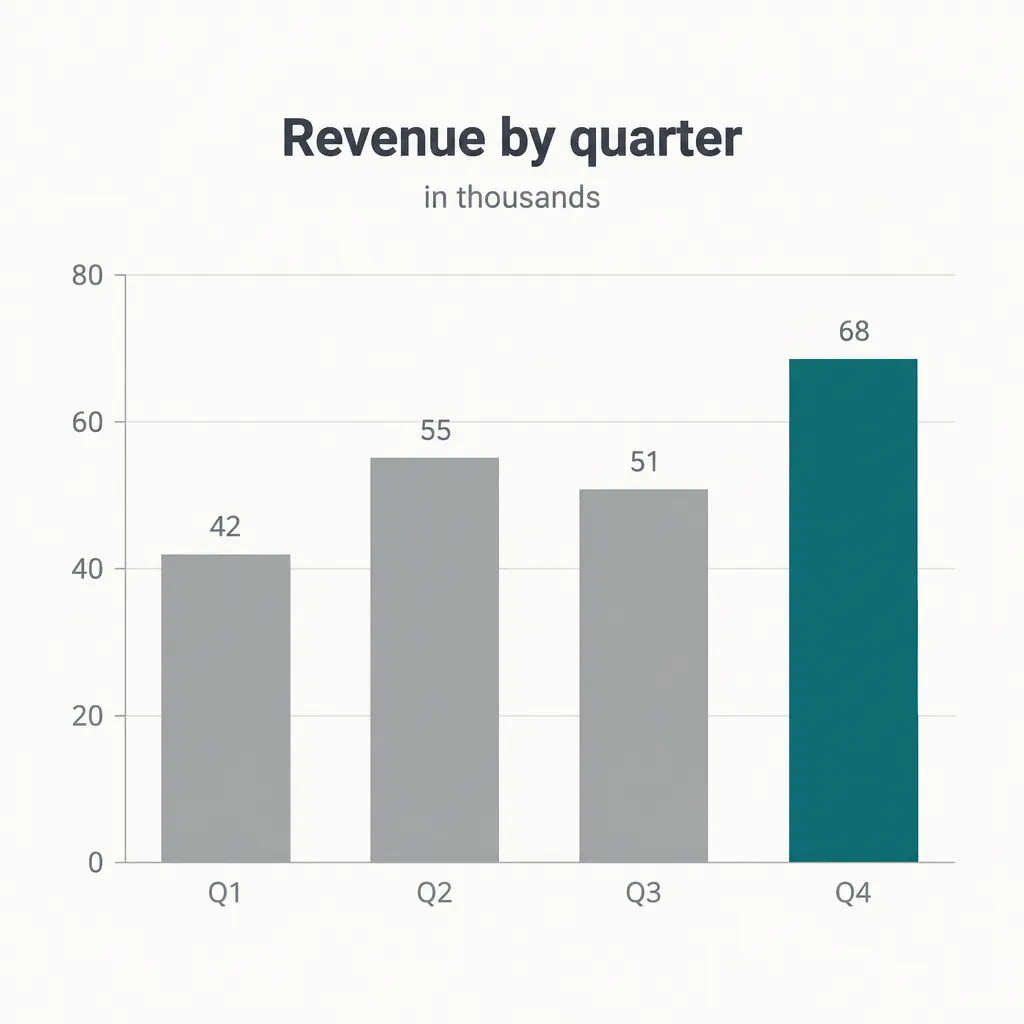
Quarterly revenue bar chart
sunburst · high · 26s
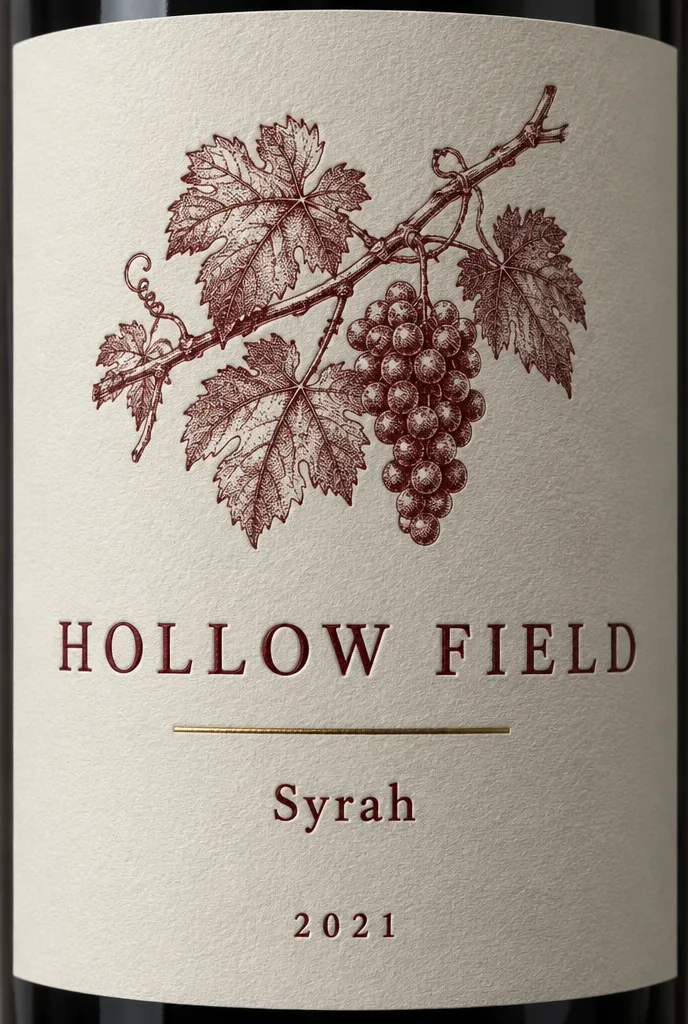
Letterpress wine label
sunburst · xhigh · 30s
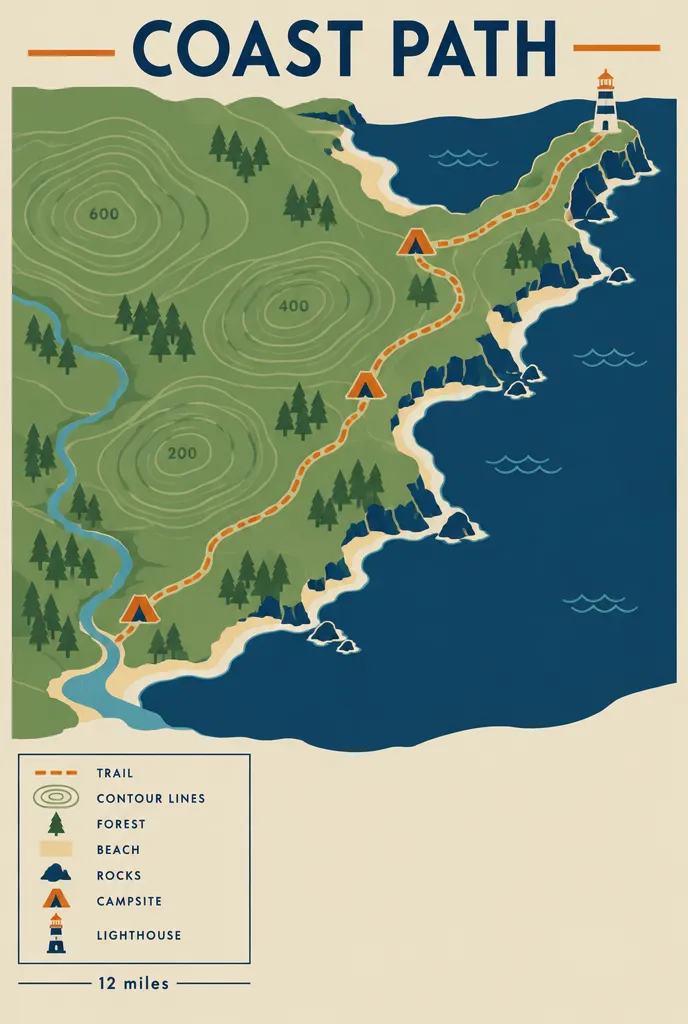
Coastal trail map poster
flare · xhigh · 28s

Stoneware mug in morning light
flare · medium · 28s
gpt-image-2.5-flare
Flare
The default. Higher quality than GPT Image 2 at up to half the latency. Use it for drafts, variations and most everyday work.
- −50%
- latency vs Images 2.0
- $30/M
- output tokens
gpt-image-2.5-sunburst
Sunburst
For edits that have to land. Slower, and more exact on text, faces and layout. The same price per token as Flare.
- slower
- by design
- $30/M
- output tokens
How it works
- 01
Write it
Describe the scene first, then the details. Put any words that must appear in quotation marks.
- 02
Pick Flare or Sunburst
Flare for speed and iteration. Sunburst when the text or the edit has to be exact.
- 03
Download or share
Export up to 4K, keep the history, or publish a link that carries the prompt with it.
Prompts by what you are making
Frequently asked questions
What is GPT Image 2.5?
It is OpenAI’s image generation and editing model, released on 8 September 2026. In the API it ships as two models, gpt-image-2.5-flare and gpt-image-2.5-sunburst. images25 runs both, so you can draft on Flare and finish on Sunburst without changing tools.
Is it free to use here?
New accounts get 10 image credits, which is 10 images at 1K. No card is needed. After that, credits come from a plan or a one-off pack. Every plan includes commercial use of what you generate.
Which model should I pick?
Start on Flare. It returns images up to 50 percent faster than the previous generation and costs the same per token as Sunburst. Switch to Sunburst when a label, a face or a layout has to come out exactly right, and you can afford to wait longer for it.
Can I upload reference images?
Yes, up to eight per request. They are used for that generation and are never made public. The generator reads them server-side rather than handing a public link to the model provider.
Can I use the images commercially?
Yes, on every paid plan, and on the free credits too. You are responsible for the prompts you write. Generations that the model’s safety filter declines are not charged.
How is this different from using ChatGPT?
ChatGPT gives you a chat window. images25 gives you the model settings directly: both API models, six quality tiers, explicit sizes, batches, and the credit cost of a request before you run it. It also keeps a library of prompts with the parameters that produced each result.
Do you keep my images?
Generated images are stored so they appear in your history and so a share link keeps working. Reference images you upload are private to your account. Nothing you make is published unless you create a share link for it yourself.
Are you affiliated with OpenAI?
No. images25 is an independent studio built on the public OpenAI API. Model names and specifications on this site come from OpenAI’s own documentation, and every content page carries the date it was checked against those docs.